
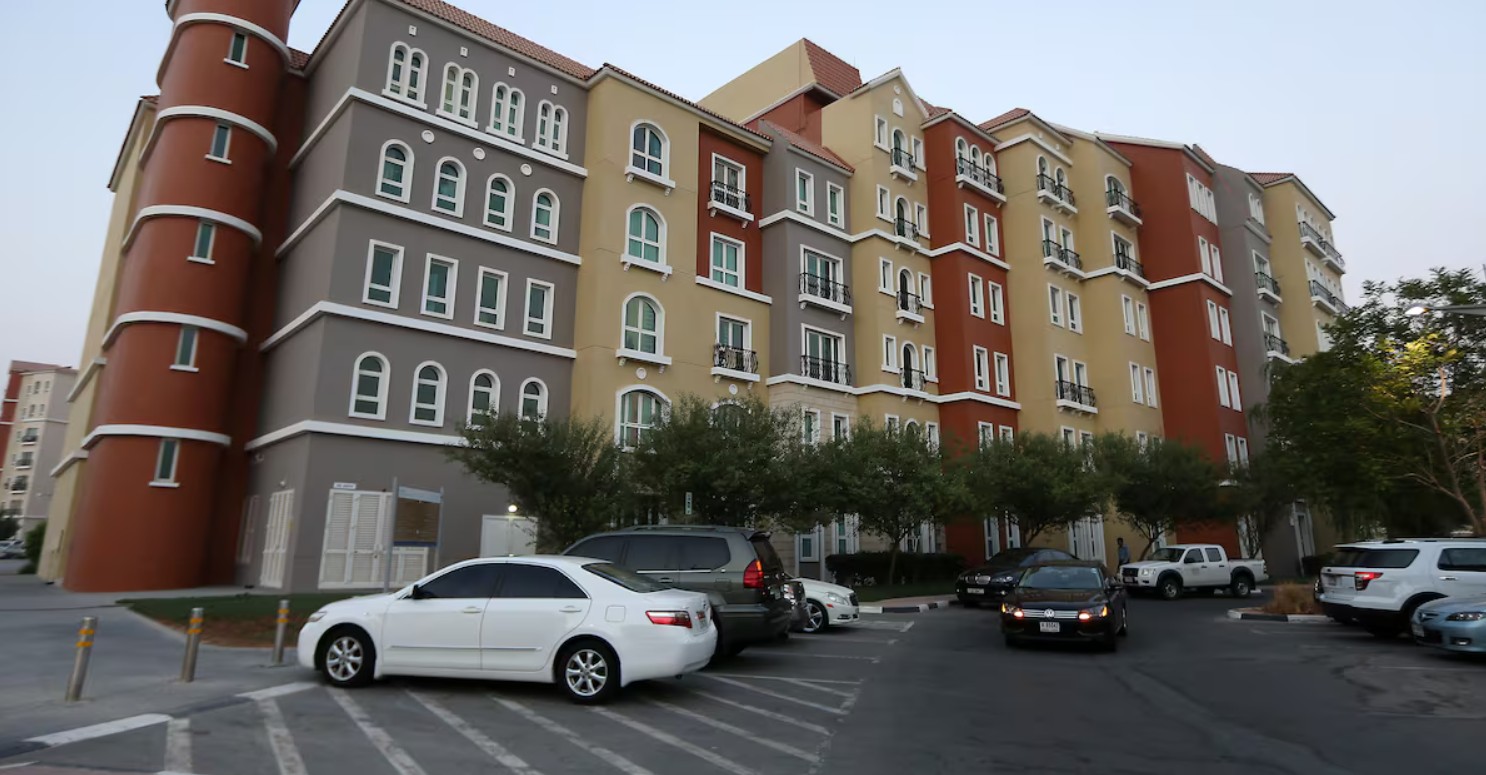
Discovery Gardens paid parking in Dubai parking rates, timings, discounts, and How to pay using Salik or SMS?.
Discovery Gardens is one of Dubai’s most popular residential communities, attracting thousands of residents and visitors every day. To ensure smooth traffic flow and organized parking, on-street visitor parking in Discovery Gardens is now managed by Parkonic in partnership with Salik.
What is the operating mode of the Paid parking system?
Paid parking in Discovery Gardens applies mainly to on-street visitor parking areas. The system is operated by Parkonic, a smart parking management company, and is integrated with Salik, Dubai’s toll and mobility payment platform.
The aim is to:
- Reduce illegal parking
- Improve parking availability
- Offer cashless and digital payment options
Private building parking remains under individual property management and follows separate rules.
What are the parking rates in Discovery Gardens?
Residents should visit the Parkonic Tenant Registration Portal, select Discovery Gardens Street Parking, and register using their tenancy contract (Ejari).
Each residential unit will receive one complimentary free parking permit.
For a second or any additional vehicle, a paid parking subscription is required. Applications for paid parking can be made starting 9 January.
Once registered, you will receive a confirmation email or SMS. Later, a PIN number will be sent via email. After receiving the PIN, download the Parkonic app and complete registration using the PIN.
Note:
• Parking is allowed anywhere in Discovery Gardens; there are no allocated parking slots.
• Parking permits are available only for residents with a valid tenancy contract.
| Hours | Rate |
| 08:00 – 17:00 | AED 4 per hour or part there of |
| 17:00 – 00:00 | AED 6 per hour or part there of |
| 00:00 – 08:00 | Free |
What are the paid parking timings?
Paid parking timings are: Monday to Saturday: 8:00 AM – 10:00 PM
How to pay Parkonic parking using Salik account?
- Visit the Salik website or download the Salik app and add your vehicle details.
- Ensure Your Salik Account Has Sufficient Balance.
- Park your vehicle only in on-street visitor parking zones managed by Parkonic.
- Look for Parkonic / Salik signage nearby to confirm the area supports Salik parking payment.
- Once parked, the system automatically recognizes your vehicle plate number.
- No parking ticket, SMS, or machine interaction is required.
Top up amount via Parkonic App
- Download the Parkonic App
- Choose “Top Up” in the app.
- Select the amount you wish to add to your wallet.
- Enter Payment Details to complete the transaction to add funds to your account.
- You can
How to link Salik Account with Parkonic app?
Link your Salik account for automatic deductions at Parkonic-operated locations in the UAE.
What is the process for SMS parking payment?
- Park your vehicle in a designated paid parking bay.
- Check the parking signboard for the zone code and timings.
- Open the SMS / Messages app on your mobile phone.
- Type the SMS in the Correct Format <Plate Number> <Zone Code> <Duration>
- Send the SMS to 7275
- You will receive a confirmation SMS
- Parking is valid only after you receive this message.
How to Pay Parking Using the PARKONIC+ App?
Required Documents:
To complete registration, upload:
- Title Deed
- Ejari
- Lease Agreement
All submissions are reviewed by the PARKONIC team. Approval is subject to document verification and is not instant.
Procedure:
- Download PARKONIC+, Sign up using your mobile number or email address
- Verify your account using the OTP sent to your phone/email
- After Log in to the app Go to Vehicle Management / My Vehicles
- Enter Vehicle plate number, Plate source (Dubai / other emirate)
- Save the vehicle details
- Link a credit or debit card
- Some locations may also support wallet or Salik-linked payment
- Make sure the payment method is active
- Park your vehicle in a PARKONIC on-street parking bay
- Check nearby PARKONIC signage to confirm the zone
- Open the PARKONIC+ App, Select your vehicle
- Enter or confirm the parking zone/location
- Choose the parking duration
- Tap Start Parking / Pay
- You will receive an in-app confirmation and/or notification
- Parking time starts immediately after confirmation
- You can extend parking time directly from the app before it expires
- Parking automatically ends when the selected time finishes (or when you exit, if auto-detection is enabled)
Do you have parking issue at Discovery Garden and Zen Cluster?
Parkonic Customer care phone number / Address
Address
Level 27, HDS Tower,
Cluster F – Jumeirah Lake Towers,
Sheikh Zayed Road, Dubai – UAE.
PO. Box: 3685.
Office Timings: Monday to Friday (8am – 6pm)
Parkonic Support Customer Care 24/7: 800 PARKONIC (72756642)
Help desk: helpdesk@parkonic.com
Parkonic Email: info@parkonic.com,
Administration: admin@parkonic.com
Download PARKONIC+ APP


What other payment methods are available?
- RTA Dubai App
- Nol Card (at supported parking meters)
What happens if you don’t pay for parking?
Failure to pay or overstaying can result in fines ranging from AED 150 to AED 1,000, depending on the violation.
Are there any parking discounts available?
There are no regular discounts for visitors.
However:
- People of Determination may receive special benefits as per UAE regulations
- Promotional offers may be introduced by Parkonic or Salik occasionally
Parkonic Paid Parking Introduced at Palm Jumeirah Crescent
Following the recent implementation of on-street paid parking in Discovery Gardens, Parkonic has now announced the rollout of paid parking at Palm Jumeirah Crescent. This expansion reflects Dubai’s continued efforts to streamline parking management through smart and technology-driven solutions.
Parking Charges and Timings
On-street parking at Palm Jumeirah Crescent is charged on an hourly basis, or part thereof.
- Parking Fee: AED 10 per hour
- Operating Hours: 24 hours a day
- Days: 7 days a week
- Free Parking: Not available